Screen Printing for Beginners: A Step-by-Step Guide
A successful first print starts with a simple design, a properly exposed screen and the right ink for your setup. Here’s how to plan, print and clean up safely.
Key takeaways
- Start with one-color artwork and a single T-shirt so you can learn each step without managing registration.
- Match the screen mesh, emulsion, ink and exposure method to your design and the product instructions.
- Water-based ink and plastisol have different handling, curing and cleanup requirements.
- Cure prints according to the ink maker’s instructions, and verify the ink itself reaches the specified temperature.
- Plan for ventilation, protective gear and proper wastewater disposal before you start printing.
In this guide
Screen printing can turn a simple design into a durable image on a T-shirt, but the process has more stages than pushing ink through a screen. You need to prepare the artwork, make a stencil, print consistently and cure the ink correctly.
This guide walks you through a beginner setup, from choosing equipment to cleanup. Start with a one-color design and a small batch, and follow the instructions for your specific screen emulsion and ink. Those details matter because products and equipment do not all work the same way.
Understand the process before you buy
A screen-printing screen is a frame stretched with mesh. You coat the mesh with light-sensitive emulsion, expose it with a film positive of your design, then wash away the emulsion that was not hardened by light. The remaining open areas let ink pass through onto the shirt.
For your first project, keep the artwork to one color and choose a simple image with bold shapes. Fine lines and small type can be difficult to hold on the screen, especially with an improvised exposure setup. A single color also avoids the registration work needed to line up separate screens.
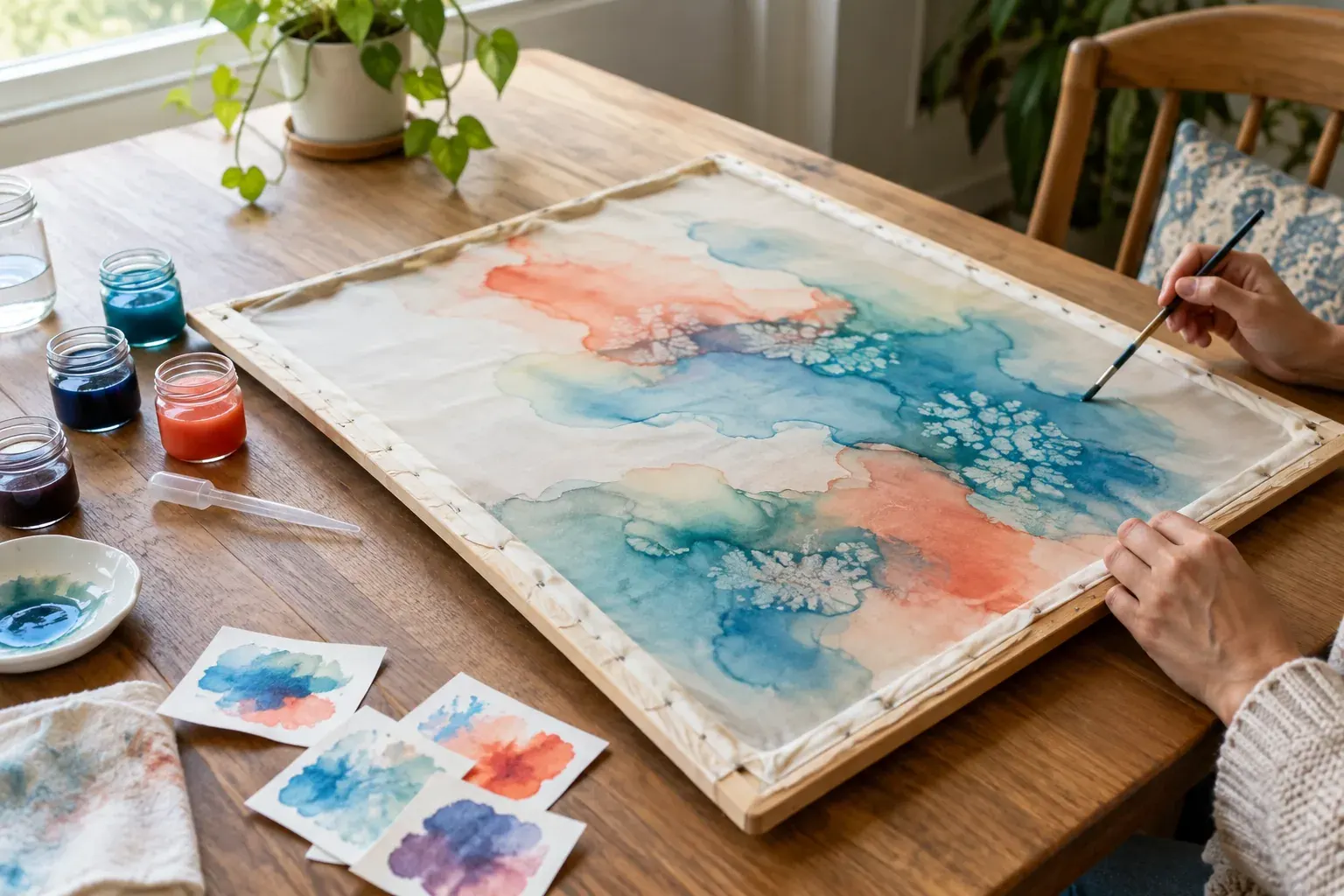
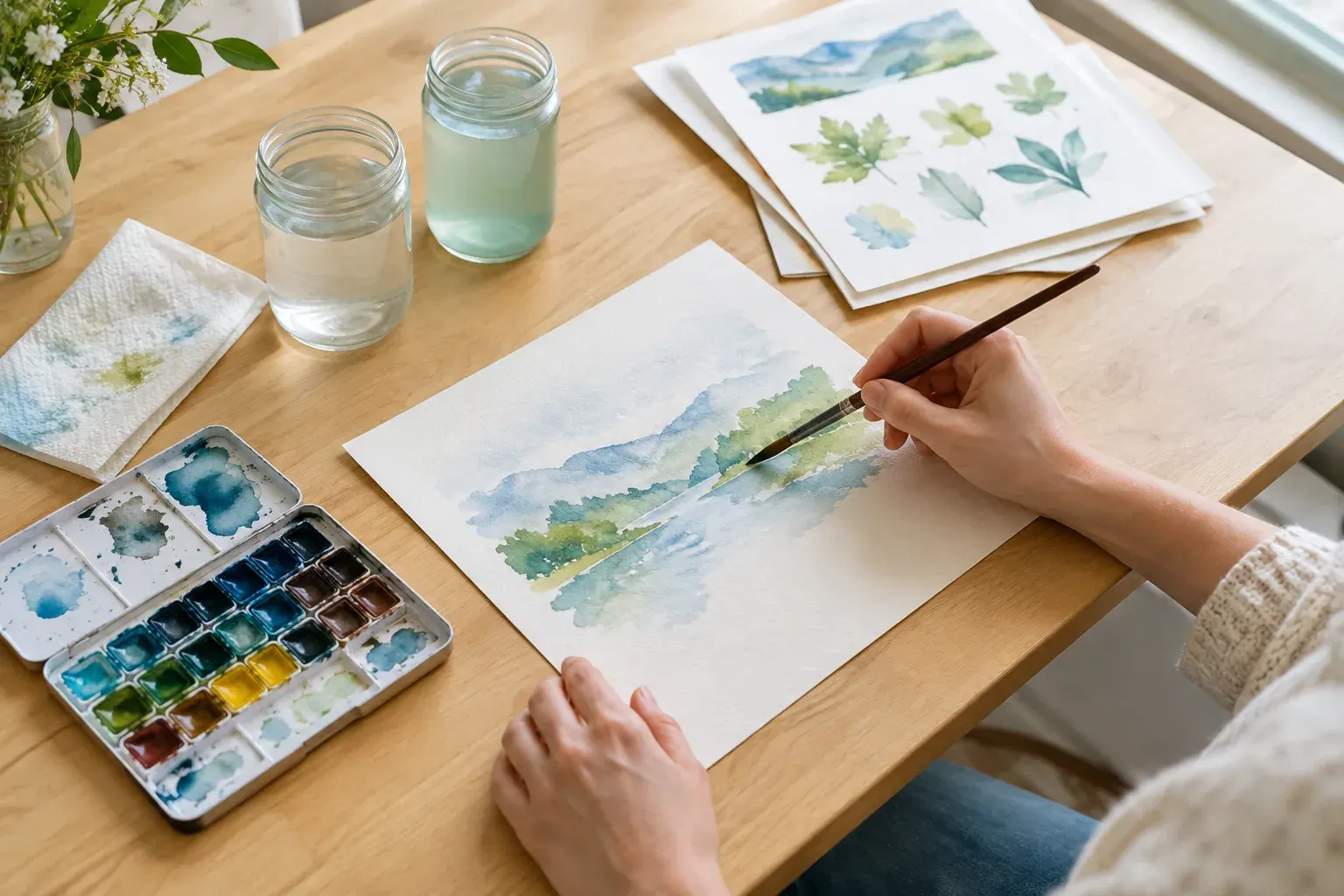
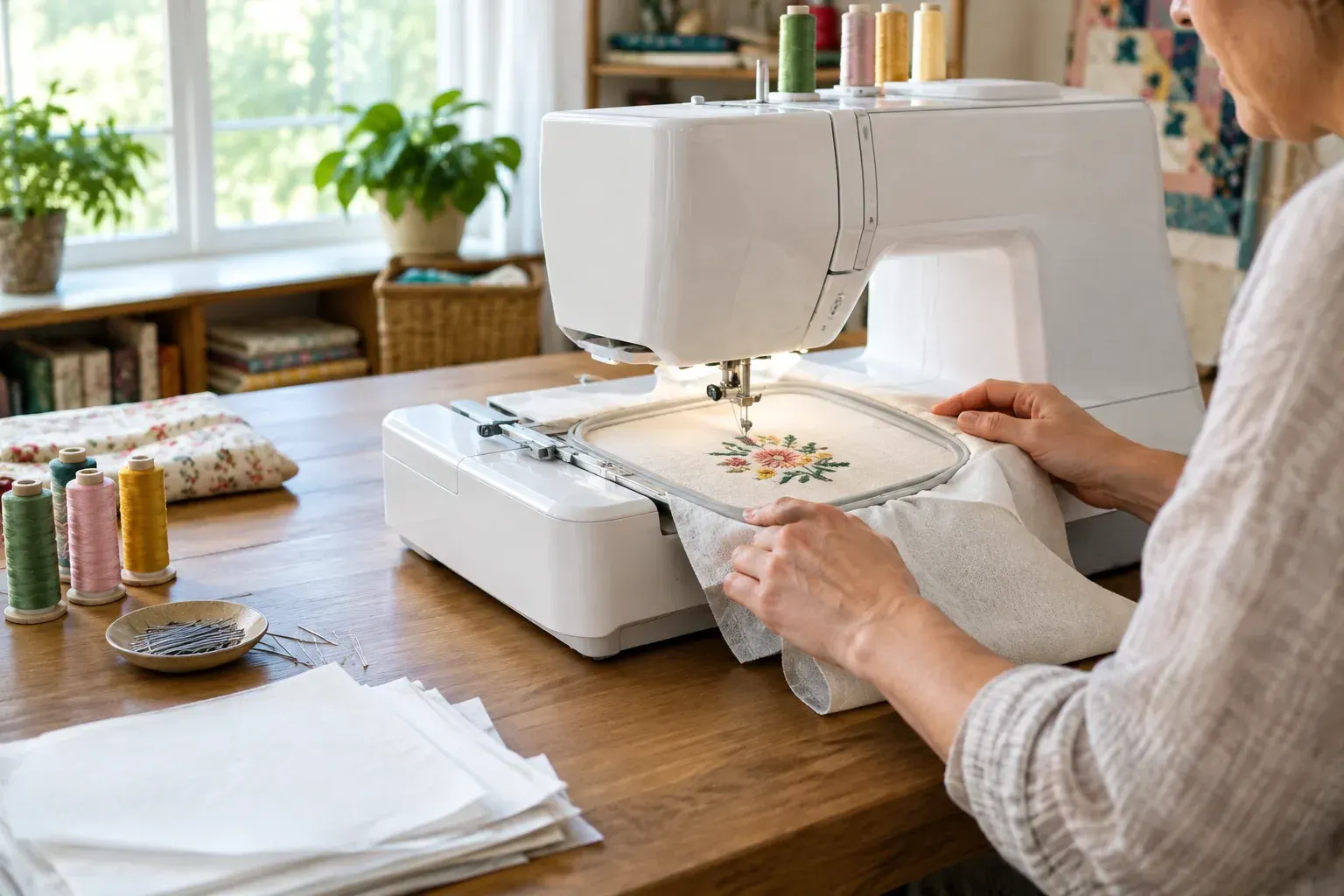
Screen printing is one way to decorate fabric. If you are comparing craft methods, silk painting techniques and machine embroidery techniques offer different materials, tools and results.
Good to know: Screen printing can be done in a home work area, but it needs room for wet screens, drying, printing and cleanup. Do not begin coating screens until you have a clean, light-controlled place where they can dry undisturbed.
Choose equipment and set a budget
A starter kit can be convenient, but check what it includes before you buy. Some kits supply a frame, squeegee and emulsion but not an exposure light, washout area, platen, ink or equipment for curing. Compare the full list against the steps you plan to do.
| Equipment | What it does | Budget and buying notes |
|---|---|---|
| Screen and frame | Holds mesh for the stencil and print | Mesh count affects detail and ink flow. A basic shirt design often works with a medium mesh, but follow ink and design guidance. |
| Squeegee | Pushes ink through open mesh | Choose one that fits the image area and screen. A firm, straight edge helps produce an even print. |
| Emulsion and scoop coater | Create the light-sensitive stencil | Check that the emulsion suits your ink and exposure light. You will also need a dark place to dry coated screens. |
| Film positive | Blocks light where the design should remain open | The design must print dark and opaque on transparent film. A home printer may need suitable film or a print shop. |
| Exposure light and washout area | Harden the stencil, then reveal the image | Exposure time depends on the light, distance, emulsion and screen. A test strip is more reliable than copying a time from another setup. |
| Platen, tape and ink | Hold the shirt, block unwanted areas and make the print | A flat surface is essential. Use ink labeled for your fabric and printing method. |
| Curing equipment and thermometer | Set the ink so it withstands washing | Choose equipment that can meet the ink maker’s cure instructions, and use a way to check the ink temperature. |
| Cleaning supplies and protective gear | Support safe screen and tool cleanup | Check the product label and safety data sheet for required gloves, ventilation and cleaners. |
Build the budget around the complete workflow, not just the screen. Get current quotes for reusable equipment and ongoing supplies separately. Screens, squeegees and a basic tabletop press can be reused; ink, emulsion, film and cleaning products need replenishing. A makerspace or shared print studio may let you learn with less equipment up front, though fees and access vary.
Before paying for a press or dryer, confirm that it suits the size of your design and the kind of ink you intend to use. If you buy used equipment, check that the platen is level and that any heating equipment can hold and verify the required temperature.
Prepare artwork for printing
For a one-color print, your film positive is a black image on a clear or translucent sheet. Wherever the film blocks exposure light, the emulsion should wash out and leave an opening for ink. If the black areas are not opaque, light can harden the emulsion there and close parts of the design.
Use a design program or drawing app to set the image to its intended print size. Avoid very thin lines, tiny lettering and isolated dots for your first attempt. Check that all elements are connected or intentionally separate, and remove any background you do not want printed.
Print the design onto film made for your printer, or have a print shop produce an opaque positive. Hold it up to a bright light to check for pinholes and weak areas. If you need to combine multiple transparencies to make the image darker, align them precisely and tape them together without covering the artwork.
Decide where the image will sit on the shirt before printing. Mark its position on a sample shirt or use a paper template. For a first print, use a scrap of similar fabric to check image size and placement before using the finished shirt.
Coat and expose the screen
Follow the emulsion maker’s instructions for mixing, coating, drying and exposure. Wear any protective gear listed on the label, and keep unexposed emulsion away from light. Clean and degrease a new or used screen first, then let it dry completely before coating it.
- Coat the mesh. Use a scoop coater and apply a smooth, even layer to both sides as directed by the emulsion instructions. Avoid ridges, drips and bare patches. They can create weak spots in the stencil or make it harder to print cleanly.
- Dry the coated screen in darkness. Keep it level in a clean, dark, dust-free area. Follow the product’s drying directions; a screen that still feels damp is not ready to expose.
- Position the positive. Place the film against the screen’s print side, with the artwork in the intended orientation. The emulsion maker’s directions may specify which side should face the emulsion. Keep the film in close contact with the screen so light cannot creep under its edges.
- Expose the screen. Use the recommended exposure method and distance, then run an exposure test if you have not calibrated this setup. Exposure time varies with the light source, emulsion, mesh, coating thickness and distance, so a time that works for someone else may not work for you.
- Wash out and inspect. Wet both sides gently, then rinse the image area until the unexposed emulsion opens. Avoid a forceful spray that could damage the stencil. Hold the screen up to light to find pinholes, and block small unwanted openings with screen blockout or suitable tape.
- Dry the finished screen. Let it dry fully before printing. If the stencil washes away or details fail to open, review your exposure test and coating process rather than guessing at a new setting.
Pro tip: Keep a written log of the emulsion, mesh, light distance and exposure test result. When a screen fails, changing one factor at a time makes it easier to find the cause.
Print a T-shirt
Set up on a stable, clean surface. Secure the shirt to a platen so the fabric cannot shift, and use the adhesive or holding method specified for your press. Tape off open mesh that is outside the design area. Put on gloves if the ink label calls for them, and keep food and drinks out of the printing area.
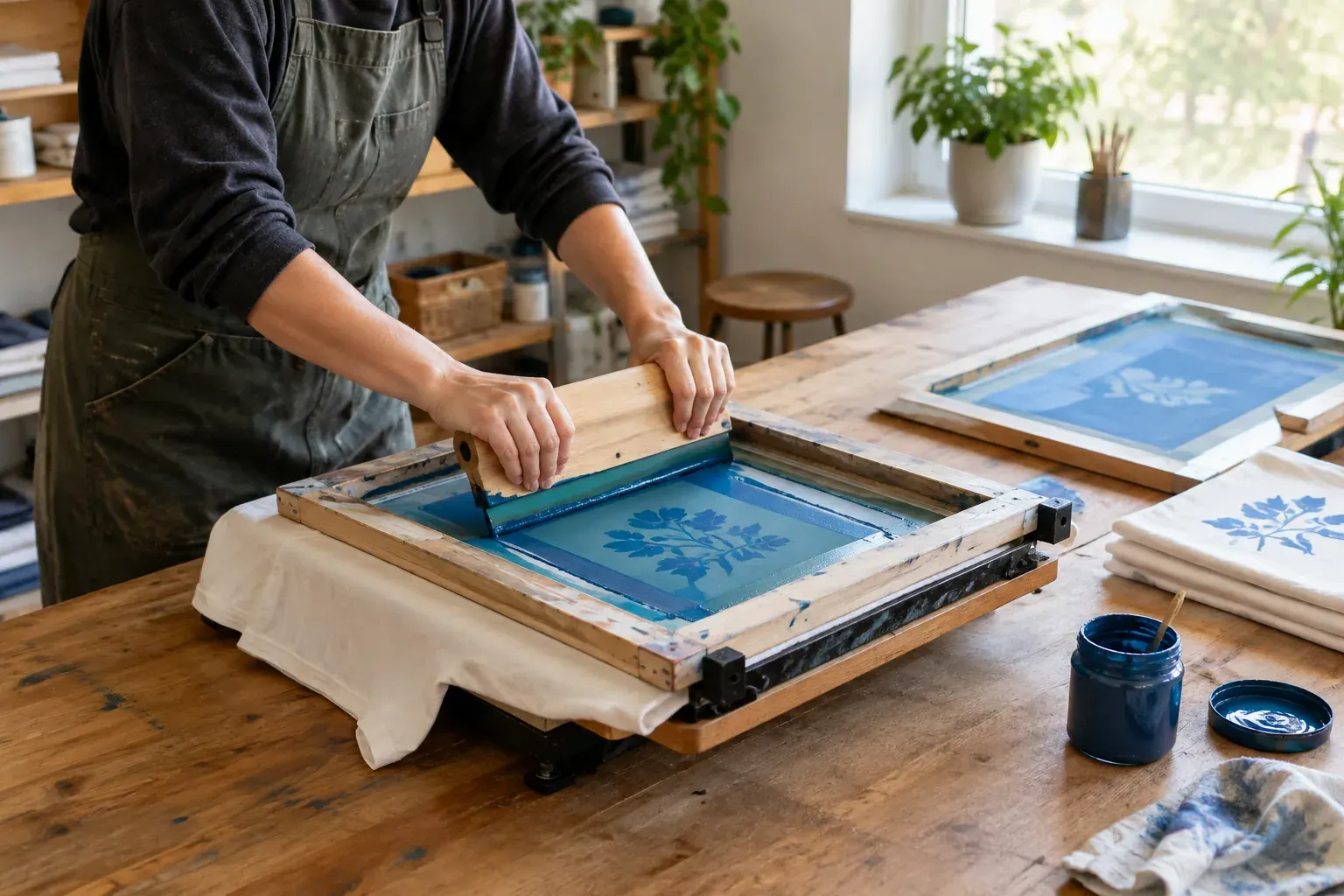
Place the screen over the shirt and check the image position. Add a small amount of ink above the design, then use a flood stroke to fill the mesh openings without pressing ink through. Pull the squeegee across the image with steady pressure and a consistent angle. The right pressure depends on the screen and ink, so use a test fabric first.
Lift the screen carefully and inspect the print. If the image is patchy, do not keep making extra passes on the finished shirt without checking why. Uneven pressure, a clogged screen, a loose shirt or a weak stencil can all affect the result. Make adjustments on scrap fabric and print again.
For a multi-color design, each color generally needs its own screen, and each screen must line up with the others. Learn basic registration with a single color first. It is easier to diagnose printing problems when you are not also trying to align several layers.
Choose ink and cure the print
Water-based ink and plastisol can both print T-shirts, but they behave differently. Neither is automatically the right choice for every home setup. Check the ink label and technical instructions for the fabric, cleanup method and curing equipment it requires.
| Ink type | What to expect | Key considerations |
|---|---|---|
| Water-based | Often leaves a softer feel in the fabric and can be cleaned with water while still wet, if the product instructions allow it | It can dry in the screen during a pause. Keep the screen moving or follow the maker’s steps for preventing dry-in. Some products still require a specific cleaner or additives. |
| Plastisol | Stays workable in the screen longer because it does not dry by air in the same way | It requires heat to cure and typically needs a compatible ink cleaner. Do not wash it into a drain. Check product instructions for ventilation and handling. |
Curing is not the same as drying to the touch. Follow the ink maker’s specified time and temperature, and make sure the ink layer itself reaches the required temperature. A dryer’s display or the temperature of the shirt alone may not confirm that the printed ink is cured. Use an appropriate temperature probe or measurement method recommended for your setup.
A conveyor dryer or compatible heat press can provide controlled curing when used according to its instructions. Do not assume a household iron or heat gun will cure the whole print evenly. They can leave parts under-cured, scorch fabric or create a burn or fire hazard. Test a sample print and follow the equipment and ink directions before curing a full batch.
Safety note: Read the ink, emulsion, cleaner and equipment safety instructions before use. Provide ventilation as directed, wear the listed protective gear, keep heat sources clear of flammable materials, and keep chemicals away from children and pets.
Clean up and store materials
Clean the screen and tools promptly, especially when using water-based ink that can dry in the mesh. Remove excess ink back into its container if the product instructions permit it. Use the cleaner specified for that ink, and follow its label for ventilation, gloves and disposal.
Do not assume that ink, emulsion, solvent or washout water is safe to pour down a household drain. Collect residue and wastewater as directed by the product label and your local wastewater or hazardous-waste program. If the instructions are unclear, ask the local program how to dispose of the specific material.
After cleaning, inspect the mesh for blocked openings or damage. Let screens dry fully, and store coated but unexposed screens in the conditions specified by the emulsion maker. Keep inks and chemicals in labeled containers with their lids closed, away from heat and food-preparation areas.
Common mistakes to avoid
- Buying equipment before checking compatibility: Confirm that your emulsion, exposure light, ink and curing method can work together.
- Skipping an exposure test: Exposure varies by setup. Use a test strip or other maker-recommended method instead of relying on a universal time.
- Using a weak film positive: Light can pass through gray or translucent artwork and harden areas that should wash out. Check opacity before exposing.
- Printing a complicated design first: Tiny details and multiple colors add problems. Learn on one color with bold shapes.
- Leaving ink in the screen during a break: Ink can clog mesh, particularly if it dries there. Follow the ink instructions for pauses and screen maintenance.
- Assuming a dry print is cured: Verify the ink layer reaches the specified cure conditions. A print that feels dry may still fail in the wash.
- Cleaning without a disposal plan: Keep washout and chemical residue out of drains unless the product and local rules explicitly allow disposal that way.
The Bottom Line
Screen printing is easier to learn when you treat it as a sequence: prepare a simple positive, make and inspect the stencil, print on scrap fabric, then cure the ink as directed. A careful test print can reveal problems before you commit a finished shirt.
Choose equipment and ink as a system, not as isolated purchases. Read product instructions, keep a record of your exposure and curing process, and plan for ventilation and cleanup before the first print.
Frequently asked questions
What do I need to screen print a T-shirt at home?
At minimum, you need a screen and frame, squeegee, emulsion, scoop coater, opaque film positive, exposure setup, ink, a way to hold the shirt and suitable curing equipment. You also need a clean place to coat and dry screens, plus cleaning supplies and any protective gear required by the product labels.
Is water-based ink or plastisol better for beginners?
Neither is best for every setup. Water-based ink may give a softer feel but can dry in the screen, while plastisol stays workable longer but requires heat curing and an appropriate cleaner. Choose based on your ventilation, cleanup plan and curing equipment, and follow the specific ink instructions.
Can I cure screen-printing ink with a household iron?
A household iron may not heat the entire printed ink layer evenly, so it is not a reliable substitute unless the ink maker specifically approves that method. Use compatible curing equipment and verify that the ink reaches the specified time and temperature. Test on scrap fabric first.
Why did my screen-printing stencil wash away?
Possible causes include underexposure, an emulsion that was not fully dry, a damaged coating or a washout spray that was too forceful. Review the emulsion instructions and run an exposure test, changing one variable at a time.
Can screen-printing ink or washout water go down the drain?
Do not assume it can. Check the ink, emulsion and cleaner labels, collect waste as directed, and ask your local wastewater or hazardous-waste program about disposal when the instructions are unclear.