Machine Embroidery Techniques: How to Get Clean, Professional Results
Clean machine embroidery starts before the first stitch. Learn how to match your machine, design, fabric and stabilizer, then troubleshoot common problems.
Key takeaways
- Choose a machine based on its embroidery field, file compatibility and how often you plan to embroider.
- Match stabilizer to the fabric and design, and hoop both layers smoothly without stretching the fabric.
- Use the needle, thread and bobbin type recommended for your machine and materials.
- Test designs on a fabric scrap, then troubleshoot puckering or thread breaks one cause at a time.
- Clean lint and oil your machine only as its manual directs.
In this guide
- Choose a machine that fits your projects
- Prepare a design the machine can stitch
- Match stabilizer to the fabric and design
- Hoop fabric without stretching it
- Select needles, thread and bobbin supplies
- Troubleshoot puckering and thread breaks
- Plan projects and care for your machine
- Common mistakes to avoid
- The Bottom Line
Machine embroidery can add lettering, artwork and decorative stitching to clothing, home goods and gifts. If your results look puckered, uneven or less polished than you expected, the cause is often a mismatch between the design, fabric, stabilizer or machine setup.
This guide explains how to choose an embroidery machine, prepare a design, hoop fabric and select supplies. You will also find practical ways to diagnose thread breaks and puckering, plus a simple care routine to help your machine run reliably.
Choose a machine that fits your projects
Start with what you want to make and how often you expect to embroider. A dedicated embroidery machine focuses on stitching designs. A combination sewing and embroidery machine can do both, but you may need to switch modes or change setups between tasks.
Single-needle machines stitch one color at a time and pause when a color change is needed. Multi-needle machines can hold several threads and switch between them, which can save setup time for projects with many colors or repeated designs. For occasional monograms and small projects, a single-needle model may be enough.
Before comparing features, check the largest embroidery area the machine supports. A design must fit within that area and the hoop you plan to use. A larger field gives you room for bigger designs, but it does not automatically mean the machine can stitch a design smoothly on every fabric.
Also check:
- Which hoop sizes are included and which are sold separately.
- Whether the machine accepts designs by USB, wireless transfer or another method.
- Which design file formats the exact model can read.
- Whether the display shows a useful design preview and color sequence.
- What the manual says about needles, bobbins, cleaning and service.
Good to know: A machine’s built-in designs and its ability to import new designs are separate features. Confirm that your chosen machine can read the files you want to use before buying or downloading them.
Prepare a design the machine can stitch
Embroidery machines generally need stitch data, not a regular image file. A JPG, PNG or drawing file usually must be digitized, which means turning artwork into stitch instructions that specify stitch types, directions, density, underlay and color changes.
Common machine formats include PES, JEF, EXP, VP3, DST and XXX, but compatibility varies by brand and model. Some formats are proprietary. Others may carry stitch information without preserving color names or other useful details. Check the machine manual and the design seller’s compatibility notes. Changing a file’s extension does not convert it.
A stitch file is not always an editable source file. If you need to change the size, stitch direction or density, you may need digitizing software or help from a digitizer. Enlarging or shrinking a design with a basic machine control can distort stitches, change density or leave gaps. Use a design prepared for the size you intend to stitch whenever possible.
Review the design before stitching. Look at its overall dimensions, color sequence, stitch count and any instructions about fabric or stabilizer. A very dense design can be too heavy for a light knit or thin fabric, even if it fits the hoop.
For a new design or material, make a test stitch on a similar fabric scrap with the same stabilizer and thread. Check the result from both sides. This small test can reveal color-order issues, gaps, puckering or a design that feels too stiff before you embroider the finished item.
Match stabilizer to the fabric and design
Stabilizer supports fabric as the needle stitches through it. The right choice depends on how stretchy or delicate the fabric is, how dense the design is, and whether the backing can remain in the finished item. Product labels vary, so follow the stabilizer maker’s instructions as well as your machine and design guidance.
| Stabilizer type | Common uses | What to consider |
|---|---|---|
| Cutaway | Knits, stretchy fabric and designs with many stitches | Stays behind the embroidery for lasting support. Trim around the design after stitching, leaving a small margin. |
| Tear-away | Stable woven fabric and designs with light to moderate stitching | Tears away after stitching. Remove it carefully so you do not pull or distort the design. |
| Wash-away | Sheer fabric, lace or projects where backing should dissolve | Choose a product suited to the fabric. Some projects need a water-soluble film on top as well as support underneath. |
| Heat-away | Materials that should not be wetted and can tolerate heat | Use only when the fabric and stabilizer instructions allow heat. Avoid it on heat-sensitive materials. |
| Water-soluble topping | Pile fabrics such as terry cloth or fleece | Sits on top to keep stitches from sinking into the surface. It is usually used with a backing stabilizer, not instead of one. |
When in doubt, use enough support to keep the fabric from shifting. Adding a second layer may help a heavy design, but too much backing can make a lightweight garment stiff. Test first, and consider whether the backing will feel comfortable against skin.
Pro tip: Keep a small swatch book. Label each test with the fabric, needle, thread, stabilizer and design size. It gives you a useful record when you repeat a project or troubleshoot a result.
Hoop fabric without stretching it
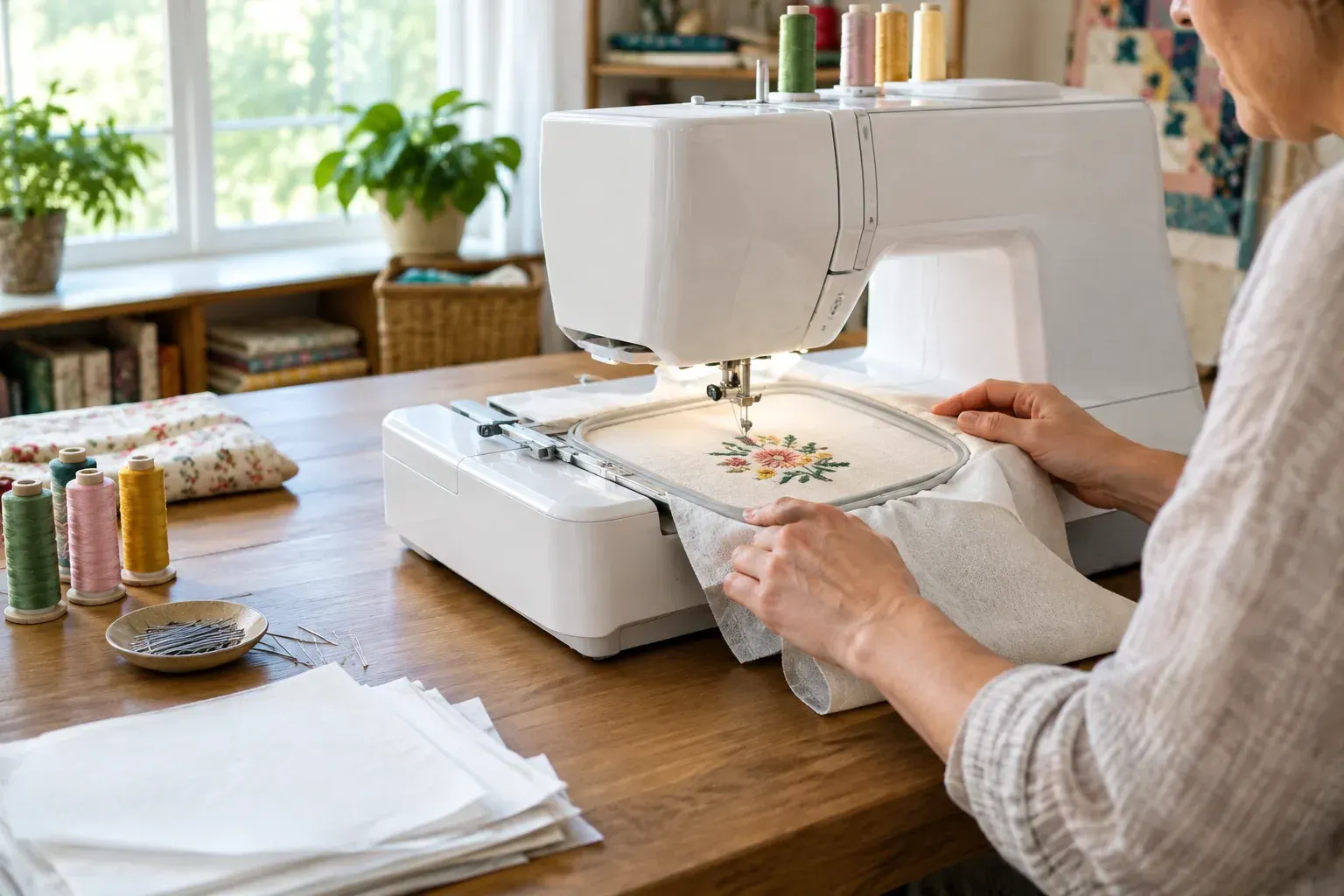
Hooping holds the fabric and stabilizer steady while the machine stitches. Poor hooping can cause shifting, gaps or puckering, even when you use the right supplies.
- Press the fabric if its care instructions allow it. Smooth out creases before positioning the design.
- Cut or prepare the stabilizer so it extends beyond the hoop’s inner edge. Follow product directions if you are using adhesive or a specialty stabilizer.
- Place the fabric and stabilizer in the hoop in the order recommended for your setup. For a garment, make sure you have not caught the back layer, a seam or a pocket in the hoop.
- Tighten the hoop until the layers are secure and flat. Do not pull the fabric hard to make it drum-tight. Stretching it in the hoop can make it contract and pucker after it is released.
- Check the back of the hoop for wrinkles and confirm the design is positioned correctly. Use the machine’s alignment tools or a marked center point if available.
If an item is too small, bulky or awkward to fit in a hoop, look into floating methods. These hold the stabilizer in the hoop and secure the item on top, often with an adhesive stabilizer. Floating is useful for some projects, but it does not work for every fabric or design. The material still needs to remain firmly supported and must not shift during stitching.
Keep fingers clear of the needle and moving hoop while the machine is running. If you need to reposition fabric or adjust the hoop, stop the machine first and follow the manual.
Select needles, thread and bobbin supplies
Use the needle system specified for your machine. Embroidery needles are designed for machine stitching and often have a larger eye than standard sewing needles. A size such as 75/11 or 90/14 may be suitable for some projects, but the right size depends on the fabric, thread and machine. Check the machine and thread instructions rather than choosing by habit.
Use a sharp, undamaged needle. Replace it if it is bent, nicked, dull or causing skipped stitches, and install it in the direction specified by the manual. A needle that is too large can leave visible holes; one that is too small may struggle with thicker thread or dense fabric.
Many embroidery designs use 40-weight top thread, commonly polyester or rayon. Polyester is often selected for durability and frequent washing; rayon has a different sheen and may have specific care needs. Use a thread intended for machine embroidery, and check the garment’s care requirements before choosing. Thread weights and product recommendations differ, so follow the design and machine guidance.
The bobbin thread is usually finer than the top thread, and some machines require a specific bobbin type or prewound bobbin. Do not assume ordinary sewing bobbin thread or a bobbin from another machine will work correctly. Thread the top path and bobbin exactly as shown in the manual, with the presser foot raised if the instructions require it for proper tensioning.
Troubleshoot puckering and thread breaks
Change one variable at a time so you can identify what helped. Before restarting, stop the machine and remove the hoop safely. Do not pull hard on tangled thread, which can damage the fabric or machine.
| Problem | Check first | A practical next step |
|---|---|---|
| Fabric puckers around the design | Hoop tension, stabilizer, fabric stretch and design density | Rehoop smoothly without stretching the fabric. Try a more suitable or stronger stabilizer, then test the design again. |
| Thread breaks repeatedly | Thread path, needle condition, thread quality and lint | Rethread from the beginning, replace a damaged needle, clear lint as directed and test at a moderate speed. |
| Stitches skip | Needle type and installation, needle damage and fabric movement | Install a fresh needle of the recommended type and confirm the hoop and stabilizer are secure. |
| Bobbin thread shows on top | Top threading, needle and tension settings | Rethread and inspect the needle first. Make small tension adjustments only as the manual recommends. |
| Design shifts or registration is off | Hoop grip, fabric layers and design placement | Rehoop without slack, secure loose layers and check that the design fits the hoop. |
For puckering, do not start by tightening every tension setting. Puckering is often caused by fabric movement, insufficient stabilization, stretched fabric in the hoop or a design that is too dense for the material. If it happens only on one fabric, test a different stabilizer combination before changing machine settings.
For a thread break, stop and inspect the full path from spool to needle. Check that the spool turns freely, thread is not caught on a rough edge, the needle is correctly installed, and the bobbin is seated as instructed. If the problem continues after rethreading and replacing the needle, clean the accessible areas according to the manual. Persistent breaks or unusual machine noise are reasons to contact a qualified sewing machine technician.
Plan projects and care for your machine
Start with projects that are easy to hoop and use stable fabric, such as a cotton napkin, a simple tote bag or a practice panel. Once you can get consistent results, try a small garment monogram, a patch or a decorative design on a towel with an appropriate topping. Test every new fabric and design combination first.
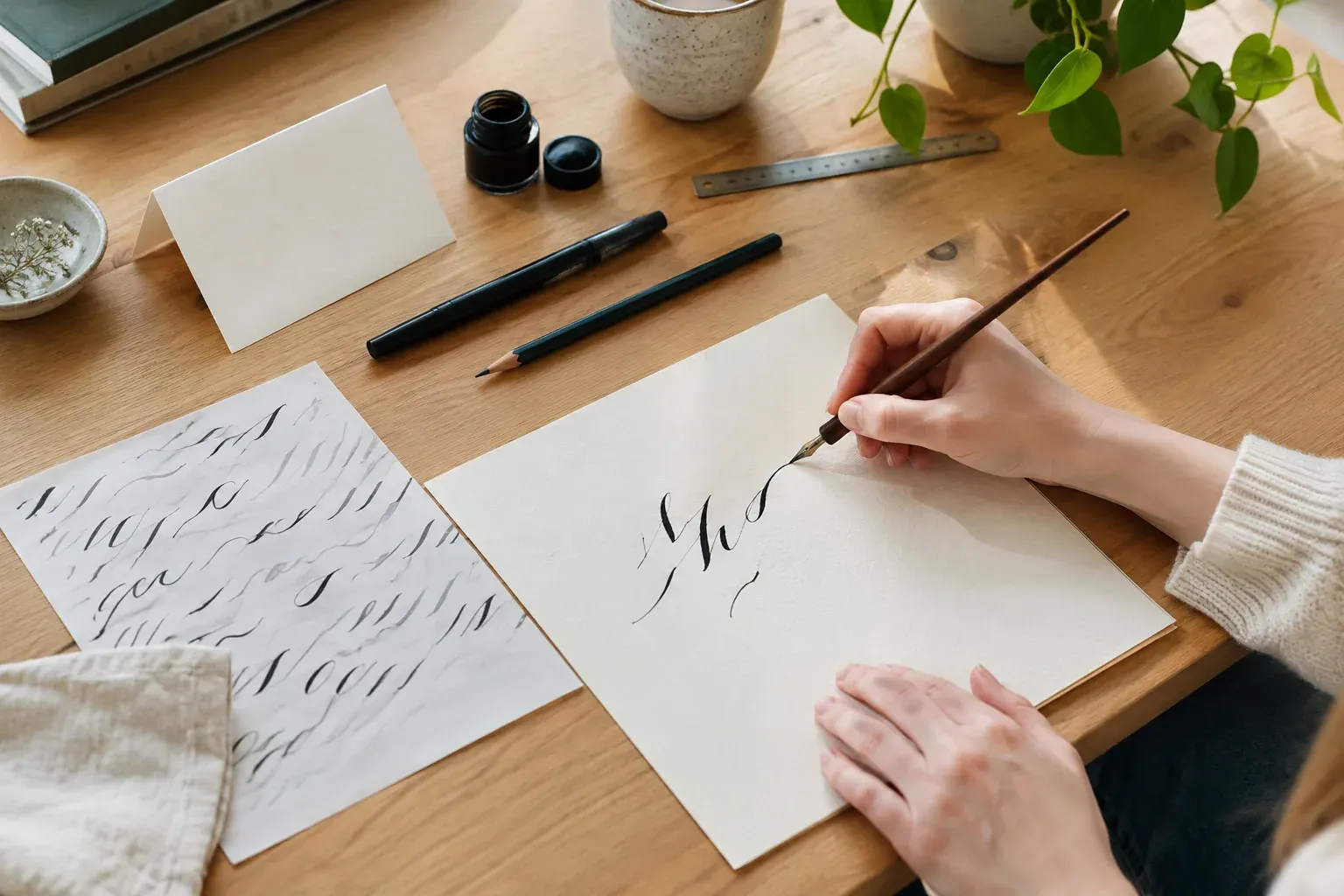
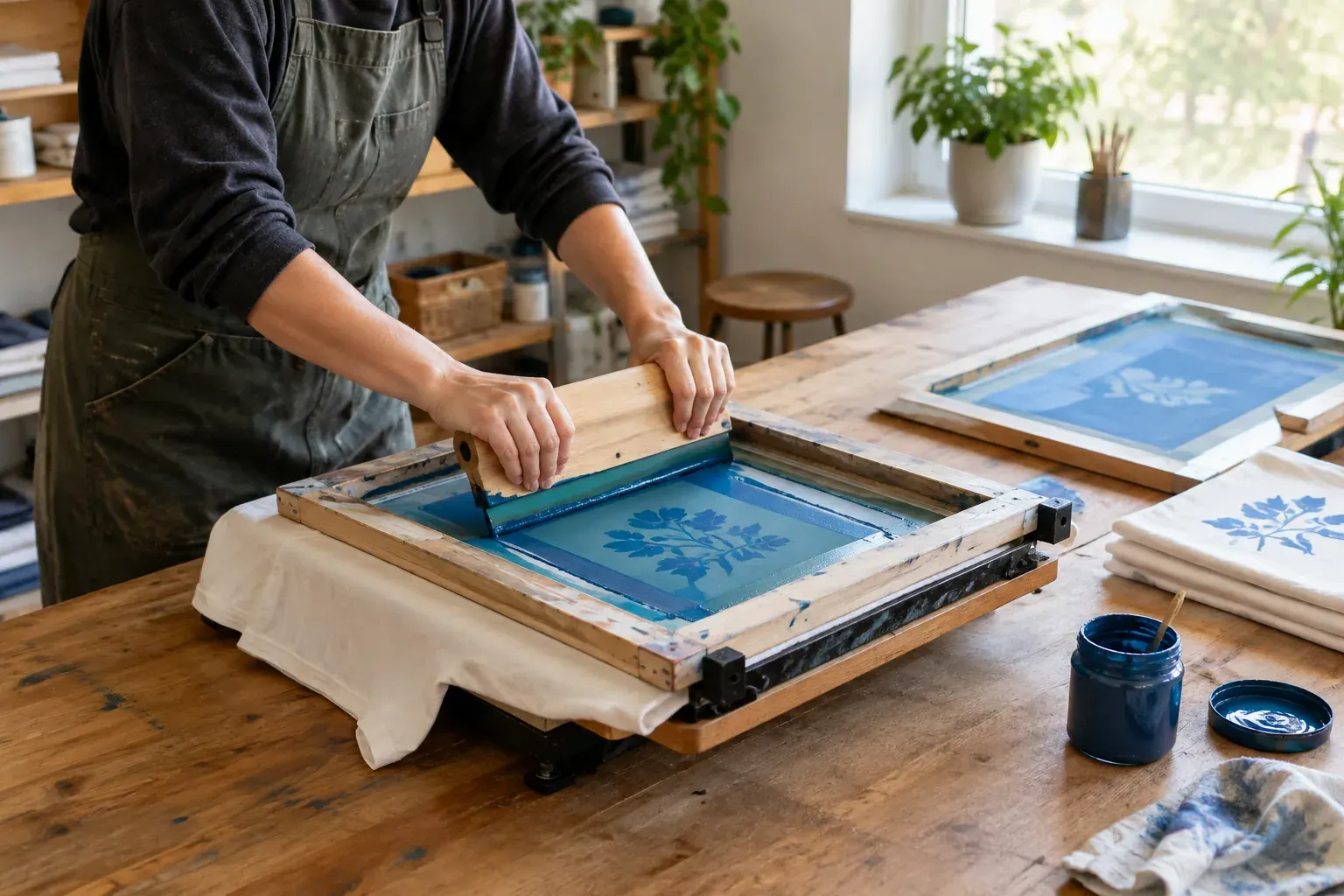
Embroidery works well alongside other surface-decoration methods. For example, embroidery can add detail to a garment that has a larger printed design. See Screen Printing for Beginners for a different way to decorate fabric. If you want to plan custom lettering, Modern Calligraphy for Beginners can help you develop ideas to have digitized for stitching.
After each project, remove lint from the areas the manual identifies, especially around the bobbin case. Use the brush or cleaning tool recommended by the manufacturer. Avoid blowing lint deeper into the machine with compressed air, and do not add oil unless the manual says where and how to do so. Some machines need regular lubrication; others have parts that should not be oiled by the user.
A simple routine helps prevent avoidable problems:
- Turn off or unplug the machine before changing the needle or cleaning, as directed by the manual.
- Remove thread scraps and lint from accessible areas after stitching.
- Keep the machine covered when it is not in use.
- Use the recommended needle, bobbin and thread for your machine.
- Arrange professional service if cleaning and rethreading do not resolve repeated problems.
Common mistakes to avoid
- Using the wrong file format: Check exact model compatibility. Do not rename a file and expect the machine to convert it.
- Using stabilizer by habit: A stabilizer that works for a woven tote may not support a stretchy shirt or dense design.
- Pulling fabric tight in the hoop: Smooth and secure the layers without stretching them.
- Skipping a test stitch: A scrap test can catch a design or setup issue before it affects a finished item.
- Changing several settings at once: Adjust one factor, then test, so you know what caused the improvement or problem.
- Ignoring the manual: Needle type, bobbin compatibility, cleaning and oiling instructions are machine-specific.
- Assuming more speed is better: Slowing down can make it easier to monitor a new design, thick fabric or thread that is breaking.
The Bottom Line
Professional-looking machine embroidery comes from matching the design, fabric, stabilizer, needle and thread, then hooping the layers smoothly. A test stitch is a practical way to catch problems before you work on a finished garment or gift.
When something goes wrong, inspect the setup in a consistent order instead of making several adjustments at once. Follow your machine’s manual for file compatibility, cleaning and maintenance, and seek qualified service for persistent mechanical problems.
Frequently asked questions
What stabilizer should I use for machine embroidery?
Use cutaway stabilizer for many knits and stretchy fabrics, and tear-away for many stable woven fabrics. Dense designs, delicate material and pile fabrics may need a different setup or more than one type of support, so test on a similar scrap and follow product instructions.
Why does my machine embroidery pucker?
Puckering commonly results from stretched fabric in the hoop, fabric movement, insufficient stabilizer or a design that is too dense for the material. Rehoop without pulling the fabric taut, check the stabilizer and test again before changing tension settings.
Can I use a JPG or PNG file in an embroidery machine?
Usually not directly. Most machines need a stitch file made by digitizing artwork, and the file must be compatible with your machine model. Check the manual and the design provider's format information.
How do I stop embroidery thread from breaking?
Rethread the machine, check that the spool feeds freely, inspect the needle and confirm the bobbin is installed correctly. Replace a damaged needle and clear lint as the manual directs; persistent breaks may need a sewing machine technician.
How often should I clean an embroidery machine?
Remove lint from the accessible areas identified in your machine's manual, especially after stitching. Cleaning and oiling schedules vary by model, so follow the manufacturer's instructions and do not oil parts unless the manual tells you to.